Most people who try to track their spending start with a spreadsheet. A week later it is three days behind; a month later it is forgotten. The problem is rarely discipline. It is that writing every expense into rows and columns takes just enough effort to skip. Here is a simpler way to keep track of your money that does not depend on a spreadsheet at all.
Why spreadsheets stop working
A spreadsheet asks a lot of you for every single expense: open the file, find the right sheet, add a row, type the date, the amount, the category and a note, then check the formulas still add up. On a phone, in a queue, with a coffee in your hand, that is too much. So the expense waits until “later”, and later becomes a pile of receipts and guesses.
Good tracking is not about a perfect system. It is about recording each expense while you still remember it.
1. Log it the moment you spend
The single most useful habit is to log an expense within a minute of paying. That only happens if logging is effortless. Choose a method that takes a few seconds:
- Type it in one line: “Lunch 14.50” is enough.
- Say it out loud when your hands are full.
- Snap the receipt for bigger shops, and let the details be read from the photo.
If it takes longer than paying did, you will stop doing it.
2. Keep categories few and automatic
You do not need forty categories. Food, transport, bills, shopping, health and a handful more cover most of life. What matters is that the same kind of expense always lands in the same place, so your totals mean something at the end of the month.
The best category is the one you never have to choose. Let your tool sort entries for you, and only fix the occasional mistake.
3. Record income too
Tracking only spending tells you half the story. Add your salary, freelance payments and any money that comes in, and you can see what is actually left each month instead of guessing.
4. Look back once a week
Daily logging builds the record; a weekly look turns it into decisions. Once a week, spend five minutes on three questions:
- Where did most of my money go?
- Was anything a surprise?
- Is there one thing I would do differently next week?
Then compare this month with the last one. One small change a month, like cooking twice more a week or cancelling a forgotten subscription, adds up over a year.
5. Make it visible
Out of sight is out of mind. Keep your totals somewhere you will see them without trying, such as your phone’s Home Screen. A quick glance before you buy something does more than any monthly report.
6. Use one currency display that makes sense to you
If you think in rupees, track in rupees. Seeing amounts in the currency you actually use, with the symbol you are used to, makes the numbers feel real.
Doing it with Budget AI
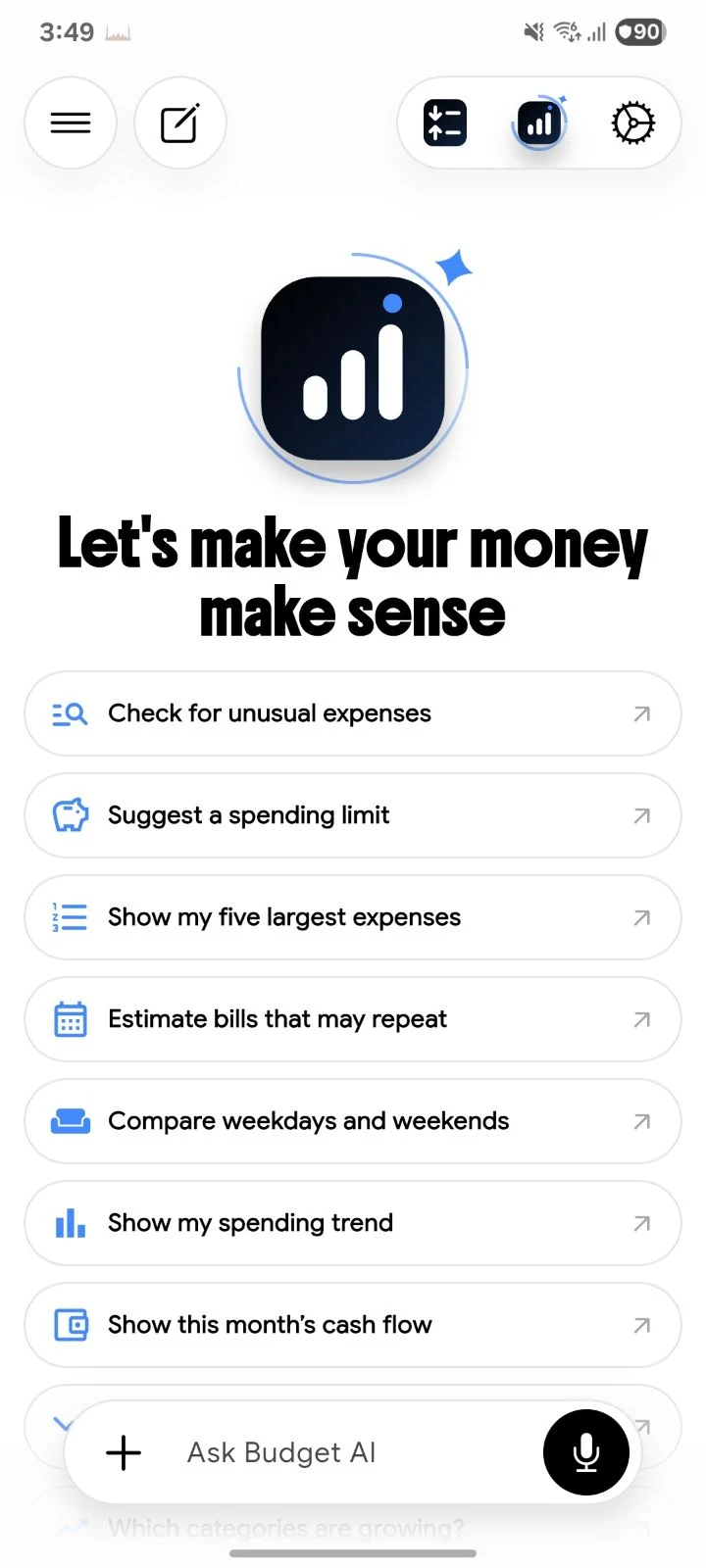
Budget AI was built around these habits. You talk to it like a chat, and it does the bookkeeping.
- Three ways to log. Type an expense in a chat, say it out loud, or take a photo of the receipt. Income works the same way, and several expenses can go in one sentence.
- Sorted for you. Every entry lands in the right category automatically, so your reports make sense without manual tagging. Ask things like “How much did I spend on dining this month?”
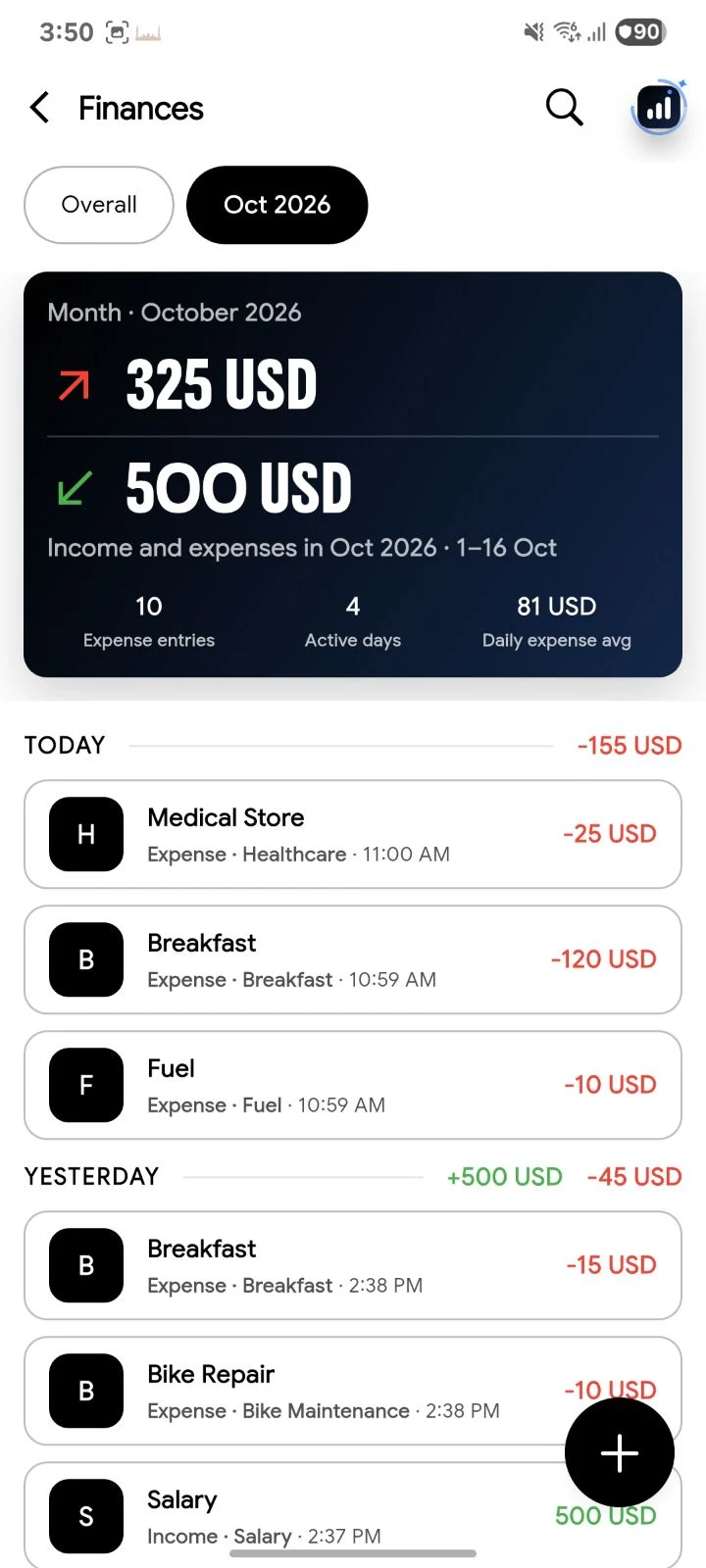
- Every dollar, tracked. Income in green, spending in red, grouped by day. Search everything, switch months in one tap, and add or edit entries by hand whenever you like.
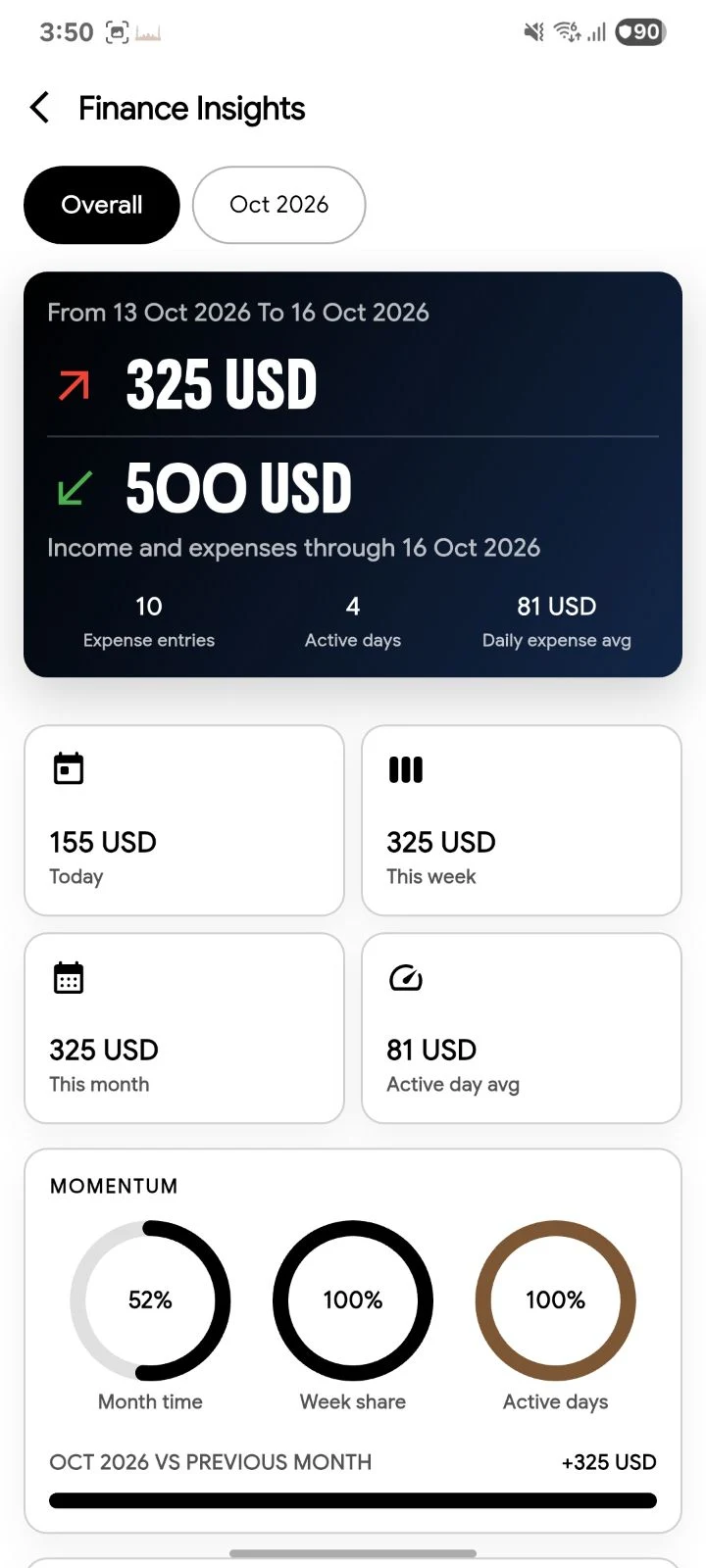
- See where it goes. Daily charts, top categories, highlights like your biggest day, and a one-tap AI summary of every month in plain words.
- Glance, don’t open. Eight Home Screen widgets show your totals, recent expenses and top categories.
- Any currency. Pick a common currency or create your own display, like $, Rs, € or PKR.
- Private by design. No ads, no third-party analytics, and your data is never sold. Chats stay on your phone, and entries stay there too unless you turn on Cloud Sync.
Manual tracking is free. AI is paid, with 5 free AI messages each month. Budget AI is not financial advice: it helps you track and understand your spending. Find out more on budgetai.teamsazen.com.
The short version
- Log every expense the moment you pay, in a few seconds.
- Let categories sort themselves.
- Record income as well as spending.
- Look back once a week and change one thing.
- Keep your totals where you will see them.